For a long time I kept paying Squarespace $10 a month for a website I wasn't really using anymore.
The live site had moved. steveknowsweb.com was running on Cloudflare Pages. The domain, DNS, and email were already on Cloudflare. But the old Squarespace account was still sitting there — mostly acting as a redirect layer and a monthly reminder that I hadn't fully finished the migration.
Sound familiar? A lot of museums and nonprofits I work with are in a similar spot: an old platform subscription they keep "just in case," long after the real site has moved somewhere else.
I finally closed that loop. This is what the move actually looked like.
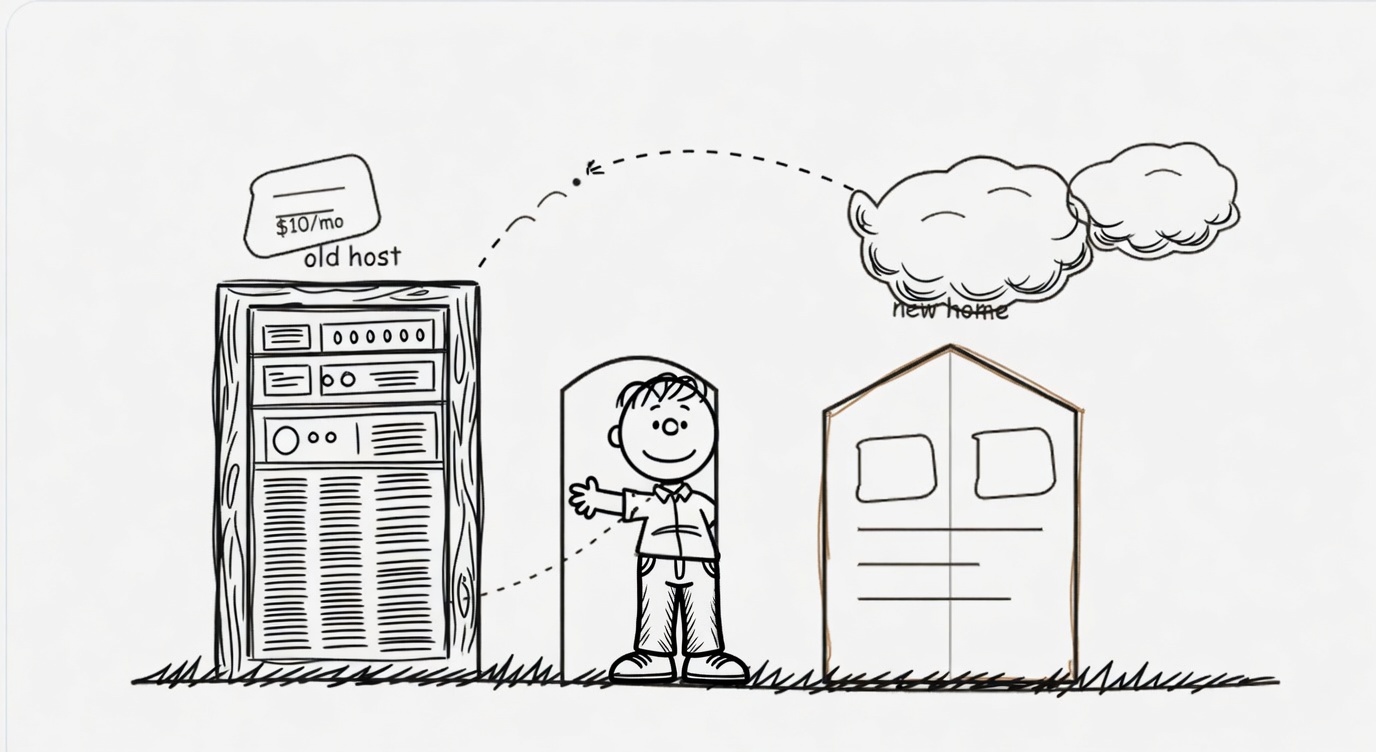
What I was paying for
Squarespace had been fine for years. It was where steveknowswebdesign.com lived when I needed something polished without building from scratch. But once I rebuilt the site as a static multi-file project and pointed the new domain at Cloudflare Pages, Squarespace became overhead.
I wasn't editing pages there. I wasn't using their templates. I was essentially paying a hosting tax to keep old URLs redirecting to the new home.
That's a reasonable short-term bridge. It's a bad long-term habit.
What replaced it
The new setup is deliberately boring — in a good way:
- Static HTML with Tailwind built locally (no runtime dependencies)
- GitHub for version control and collaboration
- Cloudflare Pages for hosting, previews, and automatic deploys on every push to
main - Cloudflare Registrar for the domain itself
- Cloudflare Email Routing so
[email protected]forwards cleanly to Gmail
Every pull request gets its own preview URL. Production updates when I merge. No dashboard clicking. No wondering which version is live.
That last part mattered more than I expected. When you're the only web person on a project, clarity about what's deployed is half the battle.
Moving the redirects
This was the piece that kept me on Squarespace longer than I should have. I had redirects pointing old paths and the previous domain toward the new site. I didn't want to break bookmarks, old business cards, or links buried in PDFs.
Cloudflare gives you a few ways to handle this. For a static site on Pages, the simplest approach is a _redirects file in the project root. Mine is small and explicit:
/work/syndeo.html /work/syndeo 301
/about.html /about 301
/blog.html /blog 301
/index.html / 301
For domain-level or bulk redirect rules — especially if you're sunsetting an entire old hostname — Cloudflare's Bulk Redirects are worth learning. You can map old Squarespace URLs to new paths without keeping the old subscription alive.
Before I cancelled anything, I made a list of every URL I knew had ever mattered: homepage, about page, a handful of blog permalinks, one or two project pages. I tested each redirect after the switch. Boring work. The right work.
What I kept vs. what I left behind
Kept: the writing, the images, the story, the contact form (now on Formspree), the blog structure (now powered by a JSON file I can edit directly), and the calm editorial design direction.
Left behind: the monthly fee, the locked-in editor, the vague anxiety about "what happens if I need to change something weird," and the feeling that my site belonged to a platform instead of to me.
I also stopped pretending GitHub Pages was part of the plan. The live site is steveknowsweb.com on Cloudflare Pages. One deployment target. One source of truth.
What broke (and what didn't)
Honestly, less than I feared. The main things to watch for:
- DNS propagation timing. If your domain already lives in Cloudflare, this is usually smooth. If you're moving registrars or nameservers at the same time, slow down and do it in stages.
- Email records. Don't touch MX/SPF/DKIM/DMARC casually while you're excited about canceling a subscription. My forwarding was already working; I left those records alone.
- Old absolute URLs inside content. Squarespace loves absolute links. A migration is a good excuse to grep your content for hard-coded old domains.
- Contact forms. Squarespace forms don't travel with you. Plan the replacement before you pull the plug. Static sites + Formspree (or similar) are simple and reliable.
The thing that didn't break: my ability to iterate quickly. If anything, editing got faster once the site lived in plain files I control.
Why this matters for mission-driven orgs
Nonprofits and museums lose a surprising amount of money to "zombie subscriptions" — platforms nobody actively maintains but everyone is afraid to cancel.
If your real site has already moved, keeping the old host around "just in case" is often a $10–$30/month donation to a company you no longer work with. That adds up. It's one less hour of contractor time. It's a small grant line item. It's a newsletter tool for a volunteer team.
I'm not anti-Squarespace. For teams with no technical help, it can still be the right call. But if you already have someone who can maintain a static site — or you're experimenting with AI-assisted workflows the way I am — paying twice for hosting makes very little sense.
The workflow I'm using now
This is the loop I wanted when I started rebuilding:
- Edit locally (often with AI agents helping on focused tasks)
- Preview on localhost or a Cloudflare branch preview
- Push to GitHub
- Cloudflare deploys automatically
- Live site updates at steveknowsweb.com
It's not glamorous. It's maintainable. And it costs me essentially nothing beyond the domain — which I was paying for anyway.
Should you do the same?
Maybe. Ask yourself three questions:
- Is the live site already somewhere else?
- Do you have (or can you get) a clear redirect plan?
- Will anyone on your team actually maintain the new setup?
If yes, yes, and yes — leaving Squarespace is probably overdue. If the second or third answer is shaky, slow down. A cheap static site you can't update is just a different kind of trap.
For me, the migration was less about technology and more about ownership. I wanted the site to live where the rest of my infrastructure already lived — and I wanted to stop paying rent on a past version of my work.
I'm there now. If you're staring at a similar monthly charge, I'd be happy to talk through your specific setup. The hard part is almost never the hosting. It's making sure the redirects and the story survive the move.